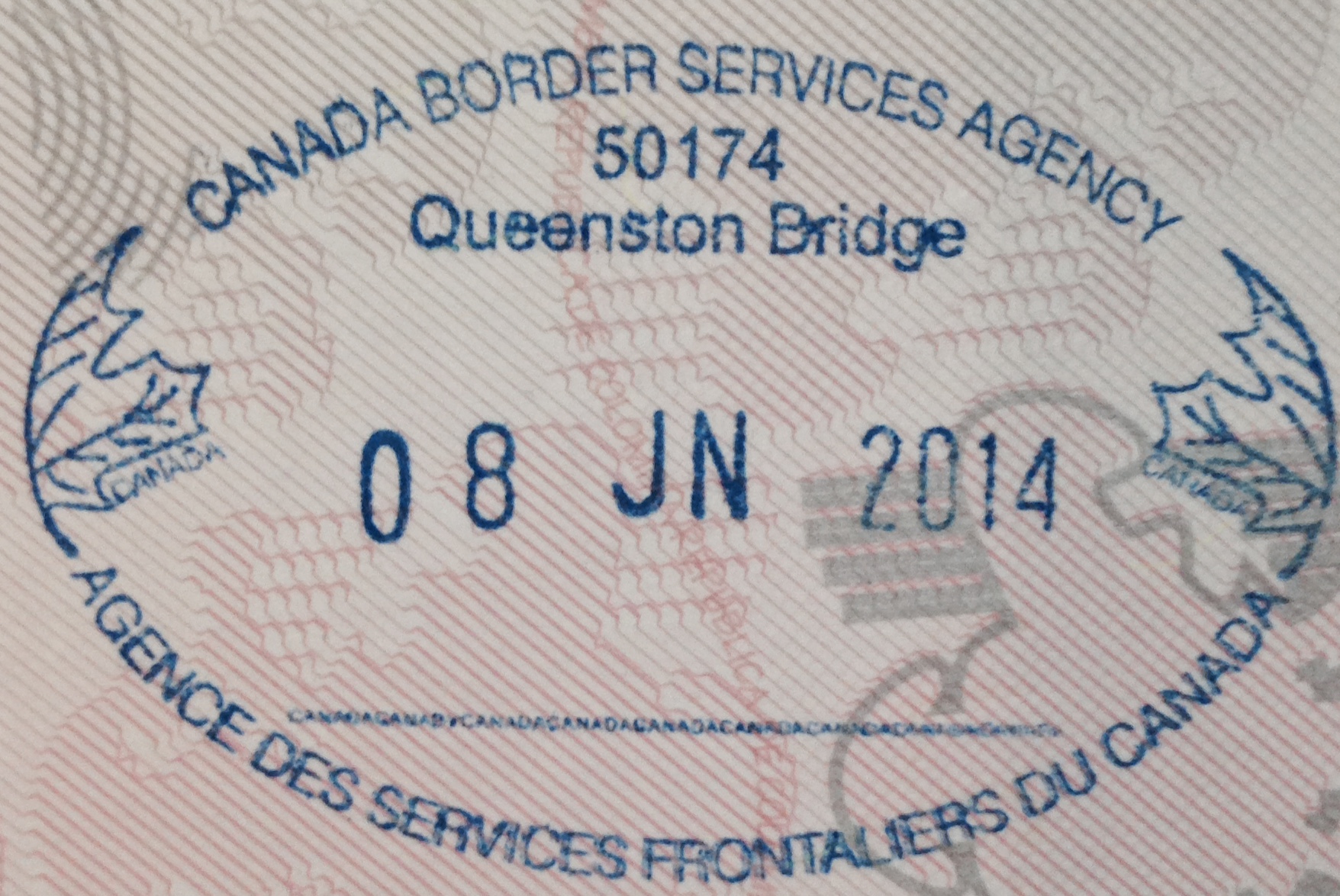
Your Canada eTA is a travel document tied directly to your passport — and your frequent flyer number has nothing to do with it. These two things live in completely separate systems, yet it’s surprisingly common to wonder whether they should be connected. This guide untangles both, so you can earn your miles and enter Canada without a hitch. Whether you’re flying into Toronto, Vancouver, or Montreal, getting your travel documents sorted before departure saves real headaches at the airport. Sorting your loyalty account is a separate task — and a much simpler one. Let’s walk through exactly what goes where.
Quick Answer: Your eTA Lives on Your Passport, Not Your Loyalty Account
Your eTA (Electronic Travel Authorization) is electronically linked to the passport you used when you applied. Full stop. It does not have a field for a frequent flyer number, an Aeroplan number, or any other loyalty identifier. Frequent flyer numbers belong to your airline reservation — that’s the record that tracks your miles and upgrades. Think of it this way: your eTA sits on your passport record; your loyalty number sits on your booking. Two different systems, two different purposes, zero overlap. If you haven’t sorted your eTA yet, you can do that through the apply for an eTA page before your departure date. Once it’s approved and tied to your passport, you won’t need to touch it again for your loyalty account setup.
If you’d rather have help with the form itself, get-eta.com is a paid private service where you can start your eTA application with prompts at each field.
Why Loyalty Numbers Don’t Affect Your Entry to Canada
Your eTA is an immigration authorization. It tells the Canadian Border Services Agency that you’ve been pre-screened and are eligible to board a flight to Canada. The information it holds is tied to your passport details — name, nationality, document number, expiry date. Airlines do transmit passenger data to Canadian authorities as part of Advance Passenger Information requirements, but that data relates to identity and travel documents. Loyalty numbers are collected by airlines for their own marketing and rewards systems — they’re not part of the data sent to immigration or border agencies. Check with your airline or the CBSA travel information pages if you want specifics on what passenger data is shared. Adding your Aeroplan, SkyMiles, or Avios number to a booking will not change your eligibility to enter Canada, speed up a border crossing, or affect your eTA in any way. It just means your miles get credited to the right account.
How to Add Your Frequent Flyer Number to a Booking
This is the straightforward part. Most airlines give you several ways to attach a loyalty number to your reservation.
Before you fly — online:
- Log in to the airline’s website and go to “Manage My Booking” or “Manage Trip.”
- Enter your booking reference number.
- Find the passenger details section and add your frequent flyer number there.
- Save and confirm — you should see it reflected in your booking summary.
At check-in:
- Web check-in often prompts you to add a loyalty number if one isn’t already on file.
- At an airport kiosk, enter your booking reference and look for the frequent flyer field.
- If you’re checking in at the counter, hand your loyalty card or give the agent your membership number verbally.
After your flight:
Many airlines allow retroactive mileage claims if you forgot to add your number before travel. The window varies — some programs allow up to six months, others less. Check the specific airline’s loyalty program page for their policy, since this differs by carrier and alliance. Keep your booking reference, ticket number, and loyalty membership number accessible on your phone or printed out. It saves time at every step.
Name Mismatches: What to Do and Who to Call
This is where things can get genuinely disruptive, so it’s worth catching early. Your passport name, your airline booking name, and your loyalty account name should all match. Even small discrepancies can cause friction at check-in. Here’s a quick decision flow:
- Typo in your booking name? Contact the airline as soon as you notice it. Minor corrections (a transposed letter, a missing middle name) are often resolved quickly, though policies and any associated fees vary by carrier.
- Loyalty account name is different? Log in to your loyalty program’s website and look for a name-change request option, or call the program’s member services line.
- Got a new passport since booking? Your eTA is linked to the passport number you used when you applied.
The rule of thumb: contact the airline for anything booking-related, and check IRCC for anything eTA-related. Don’t mix up the two — they have different processes and different contact points.
If you are still at the application stage, the step-by-step guide to your first eTA covers the process from start to finish.
Tips for Group Bookings and Connecting Flights
Flying with family or a group adds one extra step: loyalty numbers must be added to each individual passenger record separately. A group booking reference covers everyone, but the frequent flyer fields are per-traveller. On itineraries with codeshare or partner flights, you may need to add loyalty numbers to each carrier segment individually, or choose which program to credit the full journey to. Check your airline alliance rules — Star Alliance, oneworld, and SkyTeam each have their own earning agreements between member carriers. A few quick tips:
- Check in early (online, 24 hours before departure) so you have time to add loyalty numbers before the airport rush.
- Screenshot your booking confirmation after adding the number — it’s useful if the agent can’t see it at the counter.
- If you’re on a connection where the second carrier is a partner airline, confirm with the first carrier which segments will earn miles.
Pre-Flight Checklist
Run through this the day before you fly:
- ☐ Passport name matches the name on your eTA (the one you used when applying).
- ☐ Frequent flyer number is added and visible in your booking (check “Manage My Booking”).
- ☐ Booking reference and loyalty number saved somewhere easy to access.
- ☐ If anything is mismatched, call the airline now — not at the airport.
For loyalty-program rules, name-change policies, and retroactive credit windows, go directly to your airline’s website or call their frequent flyer helpline. If you have specific questions about what passenger data airlines share with Canadian authorities, the CBSA travel pages are the right place to look. Don’t rely on forum posts or third-party summaries for these specifics. Policies change, and a five-minute check on the official source is always worth it.
FAQ
Can I link my frequent flyer number directly to my Canada eTA?
There’s no field for it — the eTA only holds passport and identity information. Your loyalty number goes on your airline booking, which is an entirely separate record managed by the carrier.
Will adding a loyalty number to my booking affect my eTA or border entry?
Not at all. Your eTA is an immigration document; your loyalty number is a marketing and rewards identifier. They don’t interact. Border officers look at your passport and eTA status, not your Aeroplan balance.
What if I forgot to add my loyalty number before the flight?
Most airlines let you submit a retroactive mileage claim after travel, but the window varies — often between 30 days and six months depending on the carrier. Check the airline’s frequent flyer program page for their specific retroactive claim process.
What happens if the name on my booking doesn’t match my passport?
Contact the airline immediately. Minor typos are usually fixable, and catching them early gives you the most options. At check-in, a name mismatch can slow things down considerably, so don’t wait.
Do I need a new eTA if I’ve renewed my passport since I applied?
This is a case where you really should check with IRCC directly, since conditions can vary. Generally, an eTA is tied to a specific passport number, so a new passport may require a fresh eTA application. Verify on the official IRCC site before you travel.
Getting It Right the First Time
The short version: your eTA handles entry to Canada, your loyalty number handles your miles, and the two never cross paths. Keep them in their respective places — eTA on your passport, frequent flyer number on your booking — and you’re in good shape. Before you head to the airport, take a moment to check your eTA status and confirm everything looks right. Then add your loyalty number to your booking, pack your bags, and enjoy the trip.